Begin somewhere else.
Move a later moment to the opening. Does the new order make the story clearer, more surprising, or harder to follow? Keep the change only if it serves the idea.
OpenShot / A space to create
Start with a clip. Change the order. Try a title. OpenShot is a free, open-source editor for the video you have in mind.
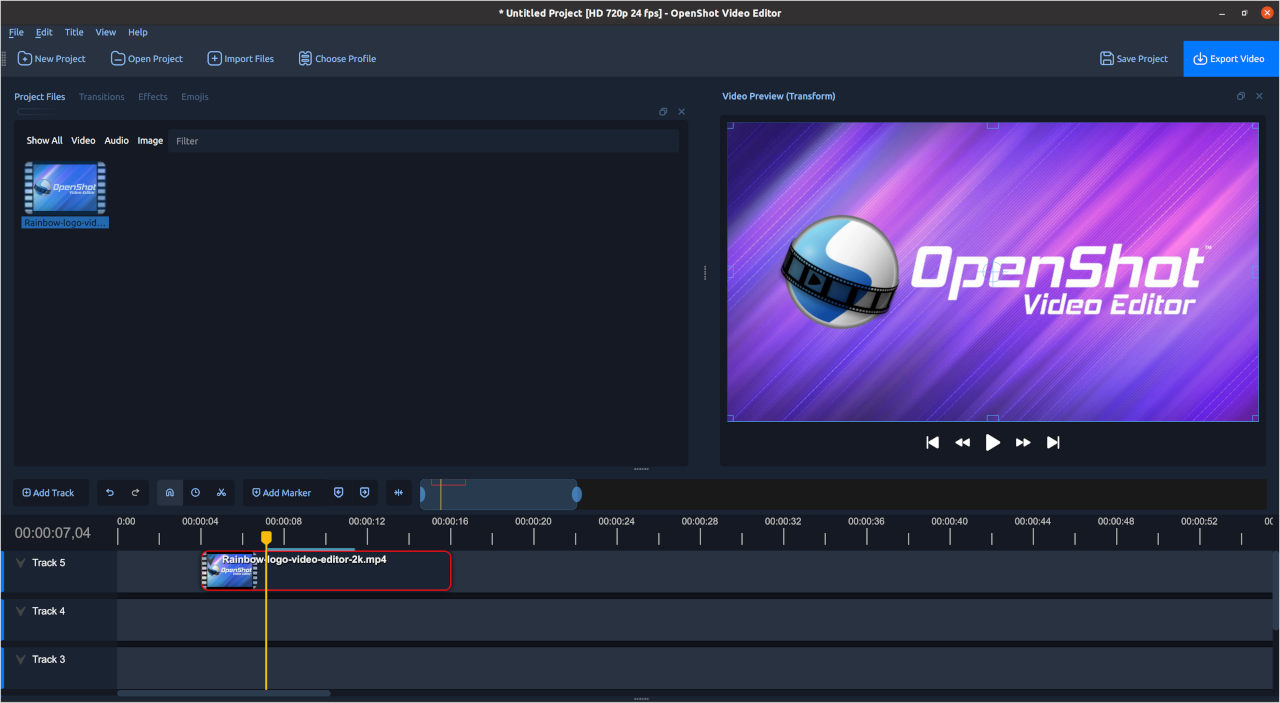
Try a different direction
Keep a copy of your project, choose one experiment, and compare the result with your first version.
Move a later moment to the opening. Does the new order make the story clearer, more surprising, or harder to follow? Keep the change only if it serves the idea.
Explore a subtle change in scale or position with keyframes. Give the viewer time to notice the detail instead of adding movement everywhere.
Replace a long title with a shorter line. Check its placement against the picture and leave enough time to read it comfortably.
Play the sequence without watching. Notice abrupt changes, awkward pauses, or music that hides the voice. Then watch again and compare.
Explore the editor’s tools in the official feature guide.
Keep the idea moving
Build the simplest complete sequence first. It gives you a useful starting point for every experiment that follows.
Focus on timing, movement, text, or sound. A clear comparison helps you understand what the change actually adds.
Save your preferred version with a clear name. Export a draft and watch it outside the editor before calling it finished.
The creative starter kit
A few original clips and a focused idea are enough for a useful practice project.
Follow the official first-project guideGood to know
Free downloads are available from openshot.org. A paid Microsoft Store option also supports development. Check the official download page for the current choices.
OpenShot includes keyframe controls for properties such as position, scale, and opacity. The official documentation explains how to set up those changes.
Choose your own media or material you have permission to use. Check any license terms for the way you intend to share the finished video.
OpenShot offers desktop versions for Windows, macOS, and Linux. Review the current build and installation requirements for your computer.